Become Reviewer
 Joe Hoang
written by

Should you buy Apple Vision Pro?
Are you considering purchasing the latest technology from Apple, the Apple Vision Pro? With so many options available in the market, it can be overwhelming to decide which one is worth your investment. However, the Apple Vision Pro has been making headlines for its innovative features and futuristic capabilities.Now, let's dive into the main question - should you buy the Apple Vision Pro? The answer depends on your needs and preferences.
Apple recently released the Vision Pro, a VR headset that claims to offer an unparalleled spacial computing experience. But what they didn’t mention are the serious compromises it took to get there. Which have been revealed over the last few days as customers have been receiving their units.
One of the first things they’ve noticed is the blurriness. Apple made it appear as if your surroundings would be displayed with the same clarity and color we see in real life. But that simply isn’t the case. While your surroundings are oriented perfectly, they’re not perfectly clear. Some are describing it as a 480p low resolution, washed out experience that makes it difficult or even impossible to read small text in your environment, including on your iPhone or Apple Watch.
Also, good luck unlocking your iPhone since Face ID doesn’t work while wearing Vision Pro. So you’ll have to manually enter your passcode every time. And navigating your phone is even more difficult since its display looks so blurry. But what I found especially jarring was the motion blur. Which makes everything in your vision, physical and digital, go out of focus every time your head makes even the slightest movement. This effect is not visible at all in marketing material or even video screenshots, but it’s very noticeable in the headset, especially when looking at text.
The blurriness of Apple Vision Pro has been one of the most talked-about issues among customers who have received their units. Many were disappointed to find that their surroundings were not displayed with the same clarity and color as real life, as Apple had promised. Instead, the visuals appeared to be low resolution and washed out, making it difficult to read small text or see details in the environment.
This issue has been described by some as a 480p low resolution experience, which is far from the high-quality visuals that were advertised by Apple. This can be particularly frustrating for users who were expecting a more immersive and realistic experience with the Vision Pro.
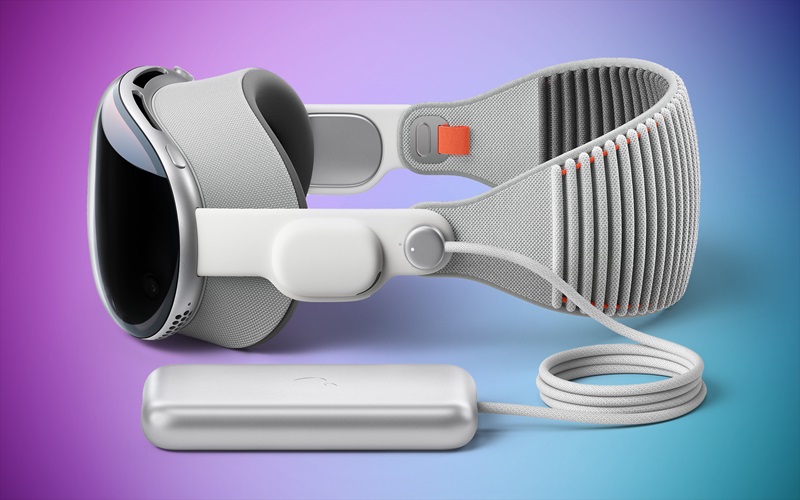
Apple Vision Pro with battery Feature Blue Magenta,source:Ptreviewsapp.com
Another issue related to the blurriness of Apple Vision Pro is its impact on using other Apple devices while wearing the headset. As mentioned earlier, Face ID does not work while wearing the Vision Pro, meaning that users will have to manually enter their passcode every time they want to unlock their iPhone. This can be a major inconvenience, especially for those who rely on Face ID for quick and easy access to their device.
In addition, navigating through the phone's display while wearing the headset can also be challenging due to the blurriness. The visuals on the phone's screen appear even more blurry when viewed through the headset, making it difficult to accurately tap or swipe on the screen. This can be frustrating for users who are used to the smooth and clear display of their iPhone.
Perhaps one of the most noticeable issues with the blurriness of Apple Vision Pro is the motion blur effect. This occurs when the user moves their head even slightly, causing everything in their vision to go out of focus. This can be particularly jarring when looking at text or other fine details, as they become almost impossible to read or see clearly.
The motion blur effect was not shown in any marketing material or video screenshots, leading many customers to be surprised and disappointed when they experienced it firsthand. This issue can greatly impact the overall user experience, making it difficult to fully immerse oneself in the virtual environment without constant distractions caused by the motion blur.
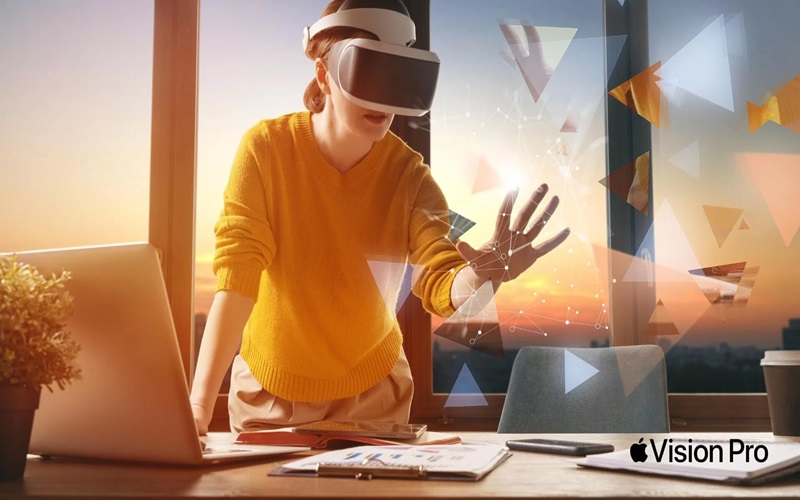
Apple Vision, source: Ptreviewsapp.com
One of the main complaints about Apple Vision Pro is its weight. With a 1.4 pound device hanging off your head, it is not comfortable to wear for extended periods of time. However, what makes matters worse is how the weight of the Vision Pro is distributed.
The glass and metal enclosure of the device make it front-heavy, with nothing at the other end to act as a counterbalance. This is in contrast to many other VR headsets that mount the battery at the back to distribute the weight more evenly across the head. But due to the already heavy weight of the Vision Pro, this was not an option for Apple.
As a result, the pressure points on the forehead, cheeks, and nose are more pronounced with the Vision Pro compared to other headsets. This not only adds to the discomfort, but it can also leave unsightly red marks on the face that take hours to fade away.
The front-heavy design of Apple Vision Pro has been a major issue for many customers who have tried the headset. The weight of the device pulling down on the front of the head can cause discomfort and strain, especially when worn for extended periods of time. This can be particularly problematic for those who suffer from neck or back pain, as the added weight can exacerbate these issues.
In addition, the front-heavy design can also cause the headset to slip down the face, requiring constant readjustment. This can be frustrating and distracting, especially when trying to fully immerse oneself in the virtual environment.
Another consequence of the front-heavy design of Apple Vision Pro is the increased pressure on certain areas of the face. As mentioned earlier, the pressure points on the forehead, cheeks, and nose can become more pronounced due to the weight distribution of the device. This can lead to discomfort and even pain for some users, making it difficult to wear the headset for long periods of time.
Furthermore, the pressure on these areas can also cause red marks to appear on the face, which can take hours to fade away. This can be a major concern for those who need to wear the headset for work or other activities, as it can be embarrassing and uncomfortable to have visible marks on their face.
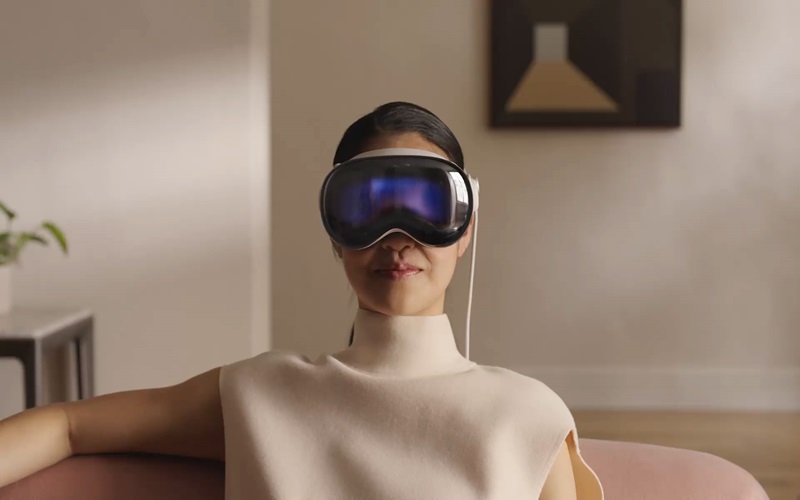
Apple WWCD23 Vision Pro EyeSight, source: Ptreviewsapp.com
In addition to the blurriness and weight distribution issues, there are also concerns about visual obstructions with Apple Vision Pro. As with many VR headsets, the field of view is limited, which can be hard to anticipate until the device is actually worn. This can feel like looking through binoculars, with the peripheral vision being completely blacked out.
Furthermore, the lenses in Vision Pro can create artifacts such as green and pink color fringing around the edges, as well as spots of glare around the center of the vision. These issues can be distracting, especially when watching movies or playing games that require a high level of focus.
The limited field of view with Apple Vision Pro has been a major disappointment for many customers. While the device claims to offer an unparalleled spacial computing experience, the restricted field of view can greatly impact the overall immersion and realism of the virtual environment. This can be particularly frustrating for users who were expecting a more expansive and immersive experience with the Vision Pro.
Another issue related to visual obstructions with Apple Vision Pro is the presence of artifacts and glare. The lenses in the device can create green and pink color fringing around the edges, as well as spots of glare around the center of the vision. These issues can be distracting and take away from the overall experience, especially when watching movies or playing games.
Furthermore, these issues can be exacerbated by poor low light performance. The cameras on the device may struggle to pick up enough light to display the surroundings clearly, resulting in even more motion blur, glare, and visual noise. This can greatly impact the overall user experience and make it difficult to fully enjoy the virtual environment.
The visual obstructions with Apple Vision Pro can also have an impact on hand detection. In low light situations, the cameras may struggle to pick up enough light to accurately detect the user's hands, resulting in less accurate hand tracking. This can be frustrating for users who rely on hand gestures and movements to interact with the virtual environment.
In some cases, the device may even turn off hand masking completely due to low light, rendering it completely nonfunctional. This means that in a pitch-black room, the device will not work at all, making it impossible to use unless a light is turned on. This can be a major issue for those who want to use the device in bed at night without disturbing their partner.
Let's explore the positive aspects of Apple Vision Pro through positive reviews, alongside acknowledging any negative feedback
The Apple Vision Pro offers an unparalleled viewing experience with its immersive spatial video feature. This means that you can record and watch videos in 3D, making you feel like you're reliving the moment. Imagine watching your favorite travel videos or family gatherings in 3D, giving you a sense of being present in the moment again. This feature is also perfect for content creators who want to take their videos to the next level.
Moreover, the Apple Vision Pro uses advanced technology to capture and render spatial audio, making the experience even more realistic. This feature is a game-changer for those who love to watch movies or play games on their devices.

Apple vision pro, source: Ptreviewsapp.com
Do you miss going to the movie theater? With the Apple Vision Pro, you can recreate that experience in the comfort of your own home. The device comes with a built-in projector and screen, allowing you to enjoy movies, TV shows, and games in a fully immersive theater environment. You can also connect it to your streaming services, such as Netflix or Disney+, and watch your favorite content on a big screen.
But what sets the Apple Vision Pro apart from other home theater systems is its portability. You can take it with you on road trips, camping trips, or even use it in your backyard for a fun movie night with friends and family.
FaceTime has been a popular video calling app for Apple users for years. But with the Apple Vision Pro, FaceTime takes on a whole new level of realism. The device uses augmented reality (AR) technology to create virtual avatars of the people you're talking to, making it feel like they're in the same room as you. This feature is perfect for long-distance relationships or connecting with loved ones who live far away.
Moreover, the Apple Vision Pro also offers spatial audio, which means that the sound will appear to come from the direction of the person speaking, just like in real life. Additionally, the SharePlay collaboration feature allows you to watch movies or TV shows together with your friends while on a FaceTime call.
With the rise of remote work, many people are looking for ways to enhance their productivity and creativity while working from home. The Apple Vision Pro offers a unique solution with its innovative work platform. It allows you to break free from the traditional desk setup and explore new ways to work in a virtual space.
You can use the device to create multiple screens, making it easier to multitask and stay organized. You can also customize your workspace with different backgrounds and layouts, making it more visually appealing. This feature is perfect for designers, content creators, or anyone who wants to enhance their productivity and creativity.
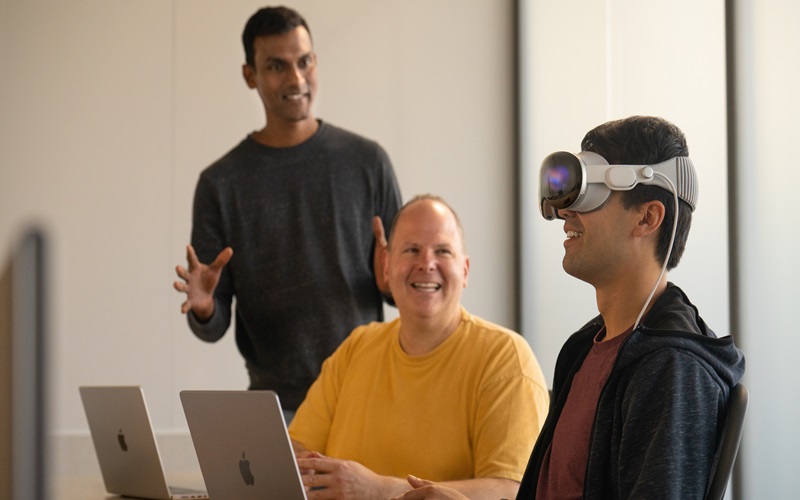
Apple vision pro ver1, source: Ptreviewsapp.com
The Apple Vision Pro is not just another device; it's a next-generation platform that transcends traditional operating systems. It uses advanced technology, such as AR and spatial audio, to provide an immersive experience like never before. This opens up a whole new world of possibilities for users, whether it's for entertainment, communication, or work.
Moreover, the Apple Vision Pro is designed to be user-friendly, making it easy for anyone to use and navigate. It also has a sleek and modern design, adding a touch of elegance to any room.
After two days of use, I have found tremendous usefulness in Apple Vision Pro. It has replaced my Apple Studio Display, my living room and bedroom TVs, my iPad, and to a large extent, my MacBook. For me, there’s no question that the compromises are worth the incredible experience this product delivers.
However, it’s only fair that potential buyers understand what those compromises are before paying the steep $3,500 price. The blurriness, weight distribution, and visual obstructions are all serious issues that can greatly impact the overall user experience. While the Vision Pro may offer an unparalleled spacial computing experience, it's important to consider these compromises before making a purchase decision.